¶ Create your own silicone objects with a mold
-
Design your object
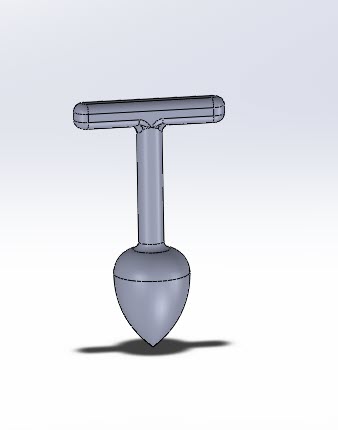
-
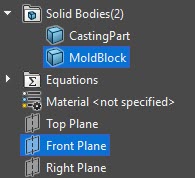
Organize neatly, rename the solid body and put the part in a folder
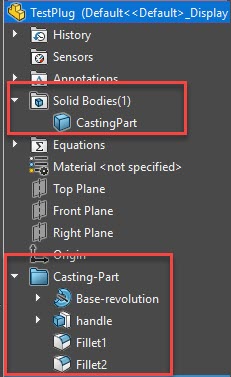
-
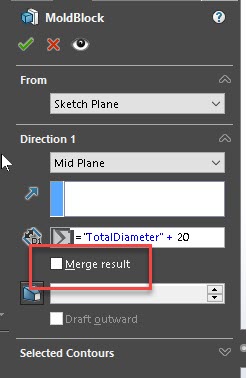
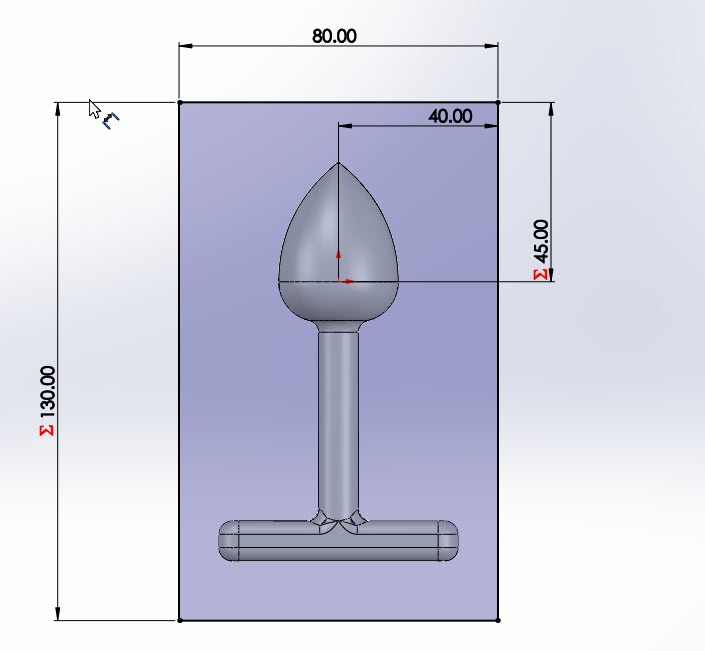
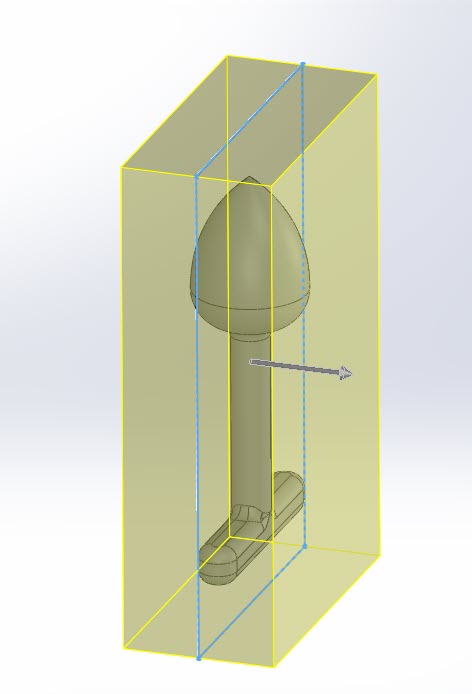
select an apropriate plane for good object removal. Draw a generous block around the object, breate a block from it.
IMPORTANT: Disable "Merge Result"
-
substract the part fromthe mold body:
Insert → Features → Combine
Operation Type: Subtract
Main Body: Select MoldBottom
Bodies to Subtract: Select CastingPart -
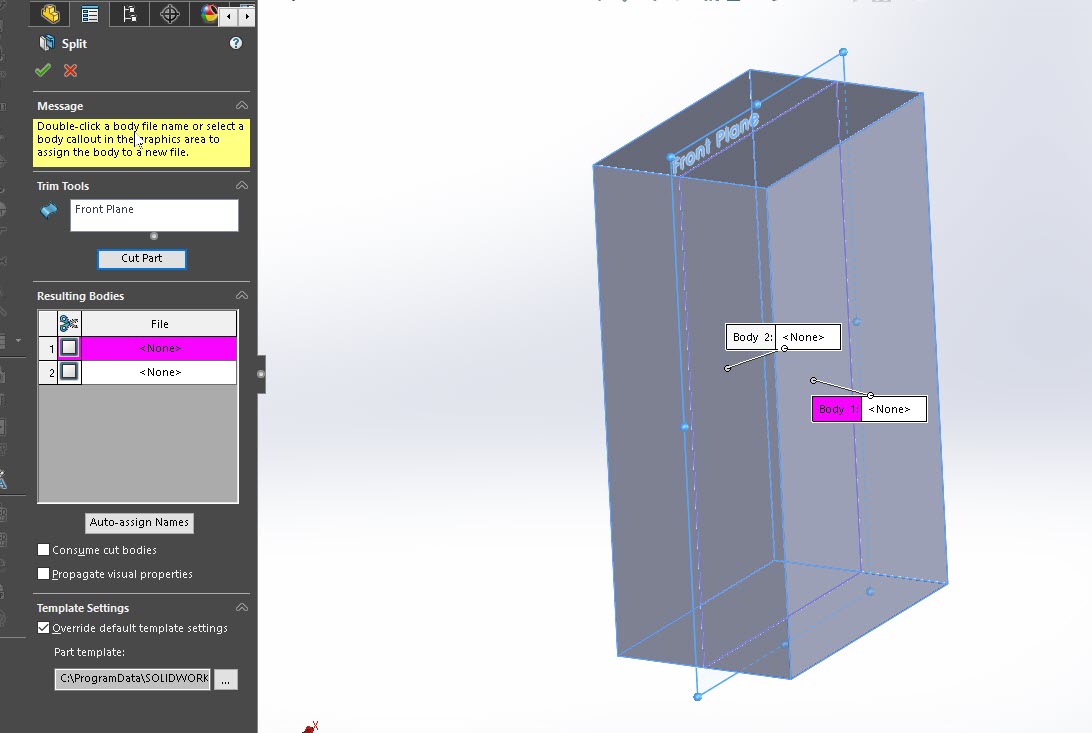
make your split plane visible, select the mold block and the plance then go through Insert > Features > Split
-
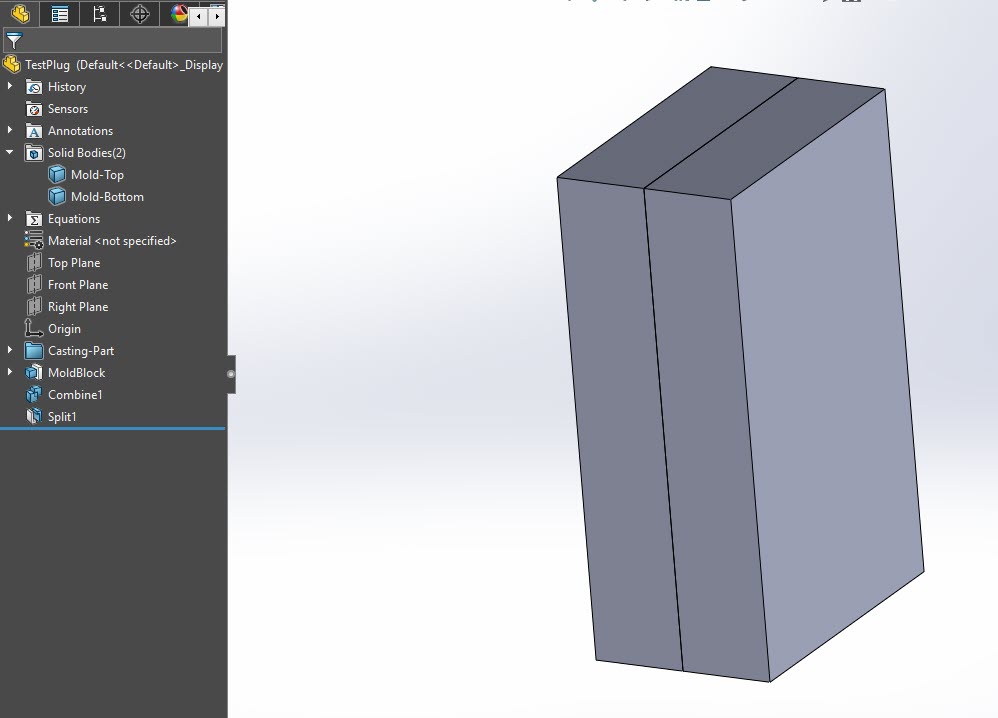
you should now be set and have your mold base, youll have two separate files for the halves.
-
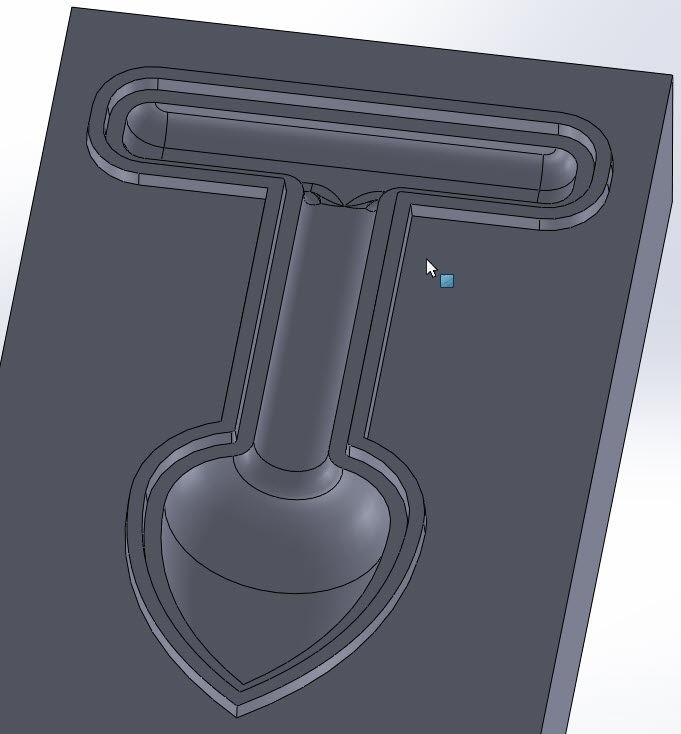
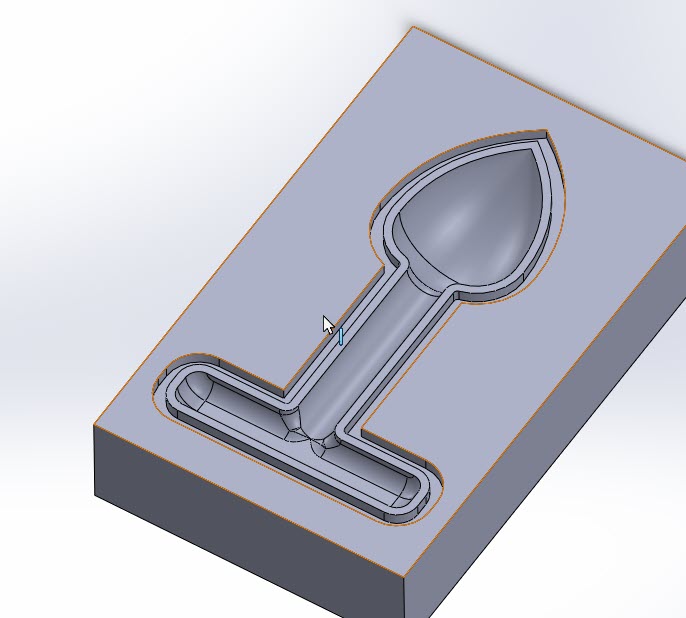
open both mold halves separately to make a small interlocking lip. good experience:
3mm wide, 3mm deep on one side,
2.5mm wide with a distance of 0.25mm on the other side, 2mm exposed, add slight champfer
-
Create screwholes for securely tightening the mold and create air/filling chambers